Dollar Tree mini St. Patrick's Day sign makeover + FREE SVG
/
I’ve been working on this little cozy space my girls have claimed in our new home, well it’s actually 100+ year old home but it’s new to us. It’s their play/reading area/hangout zone but I really wanted this space to look like it had more purpose than that. I wanted to create a space that screamed (in a super sweet polite kind of way ;)) “you are loved, you are beautiful, and your heart is amazing, daughter” kind of vibe.
While I’m creating this darling daughter you are loved space I want to share with you not just how I DIY-ed it all but I also want to share with you the same exact cut files and printables I used so you can use them too if you want. You can find all of my freebies in my FREE RESOURCE LIBRARY.
Affiliate Disclosure. Some of the links on this website are affiliate links, which means that I may earn a small commission if you click on the link or make a purchase using the link. If you make a purchase you will not be charged anything additional.
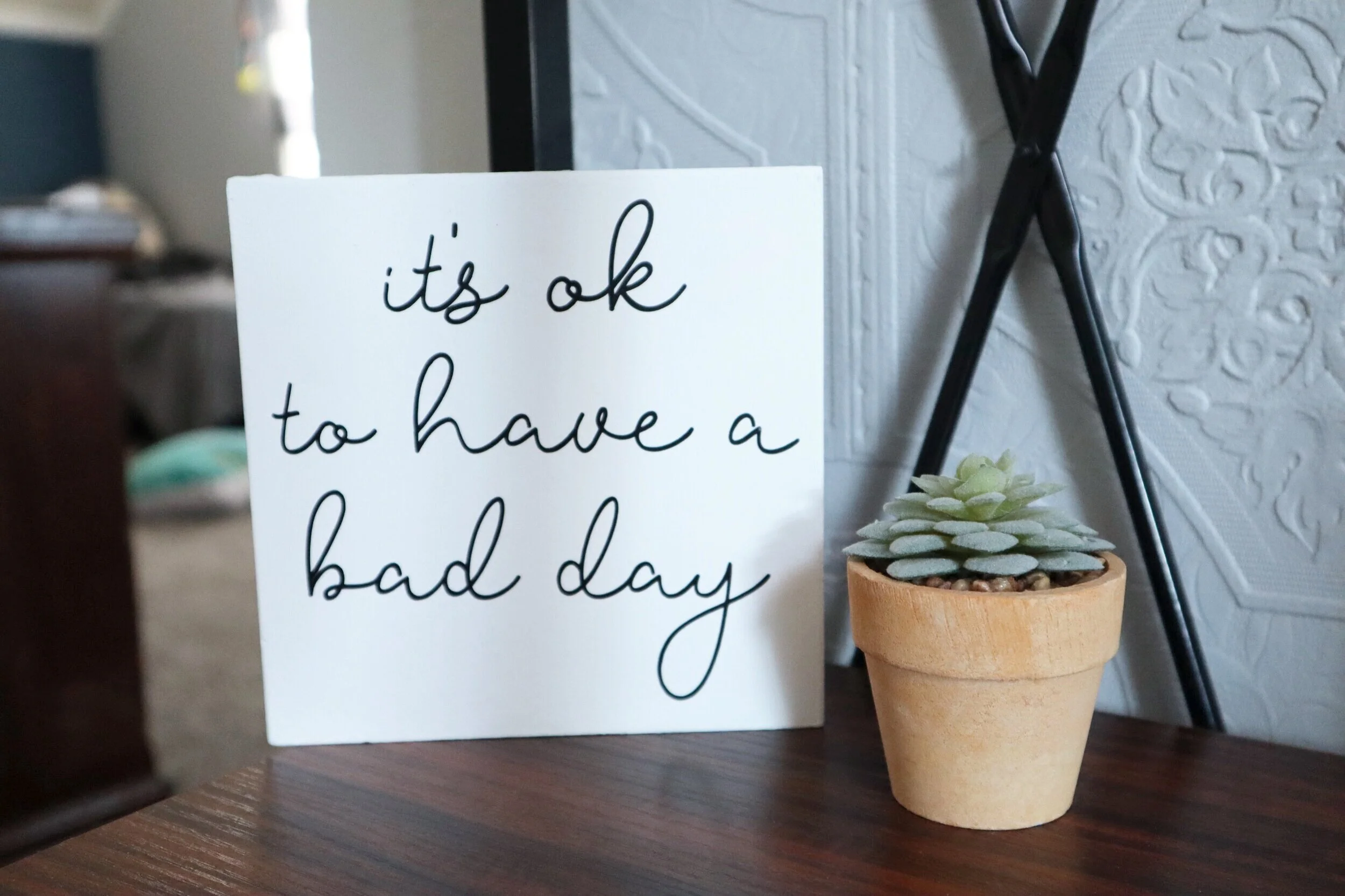
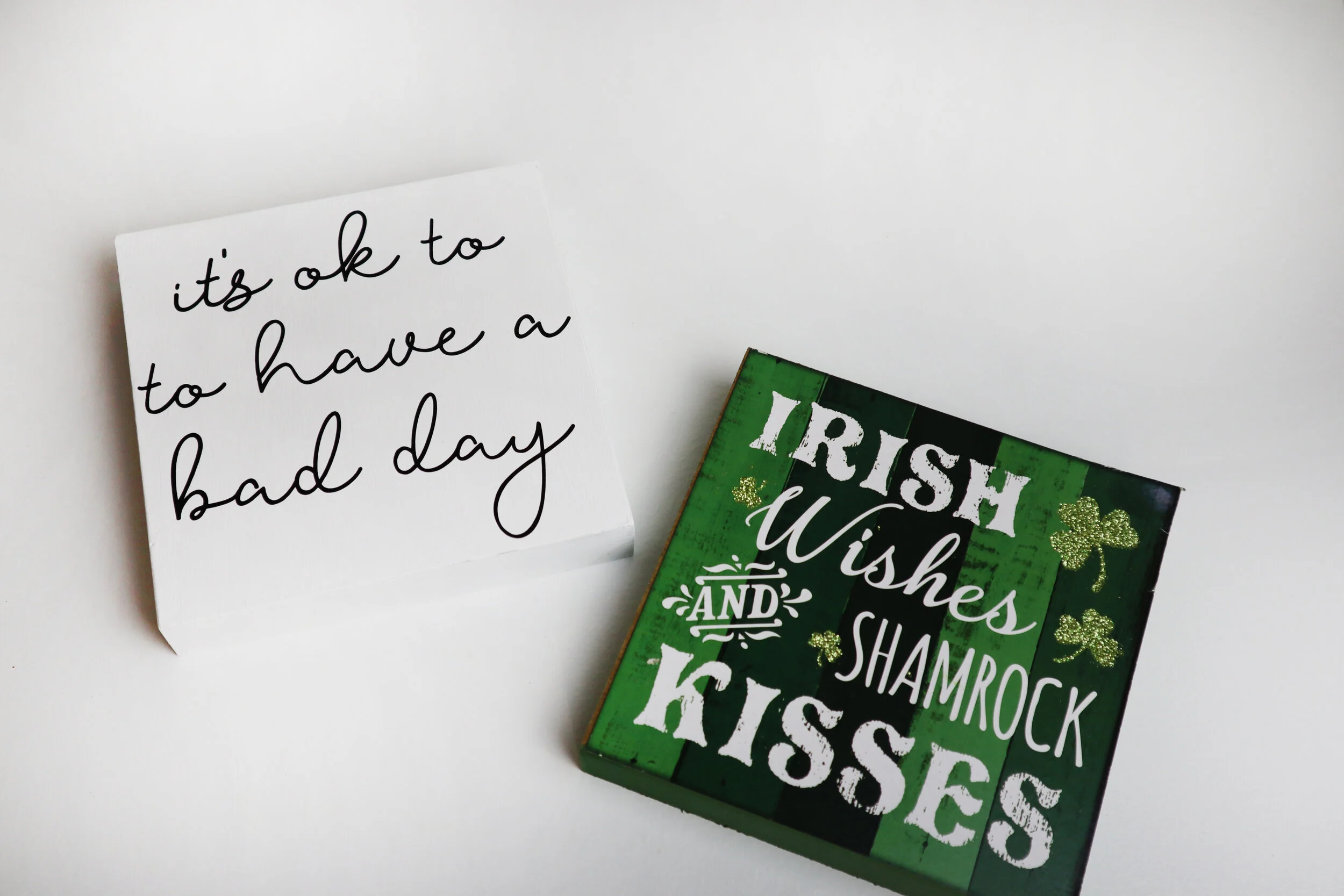
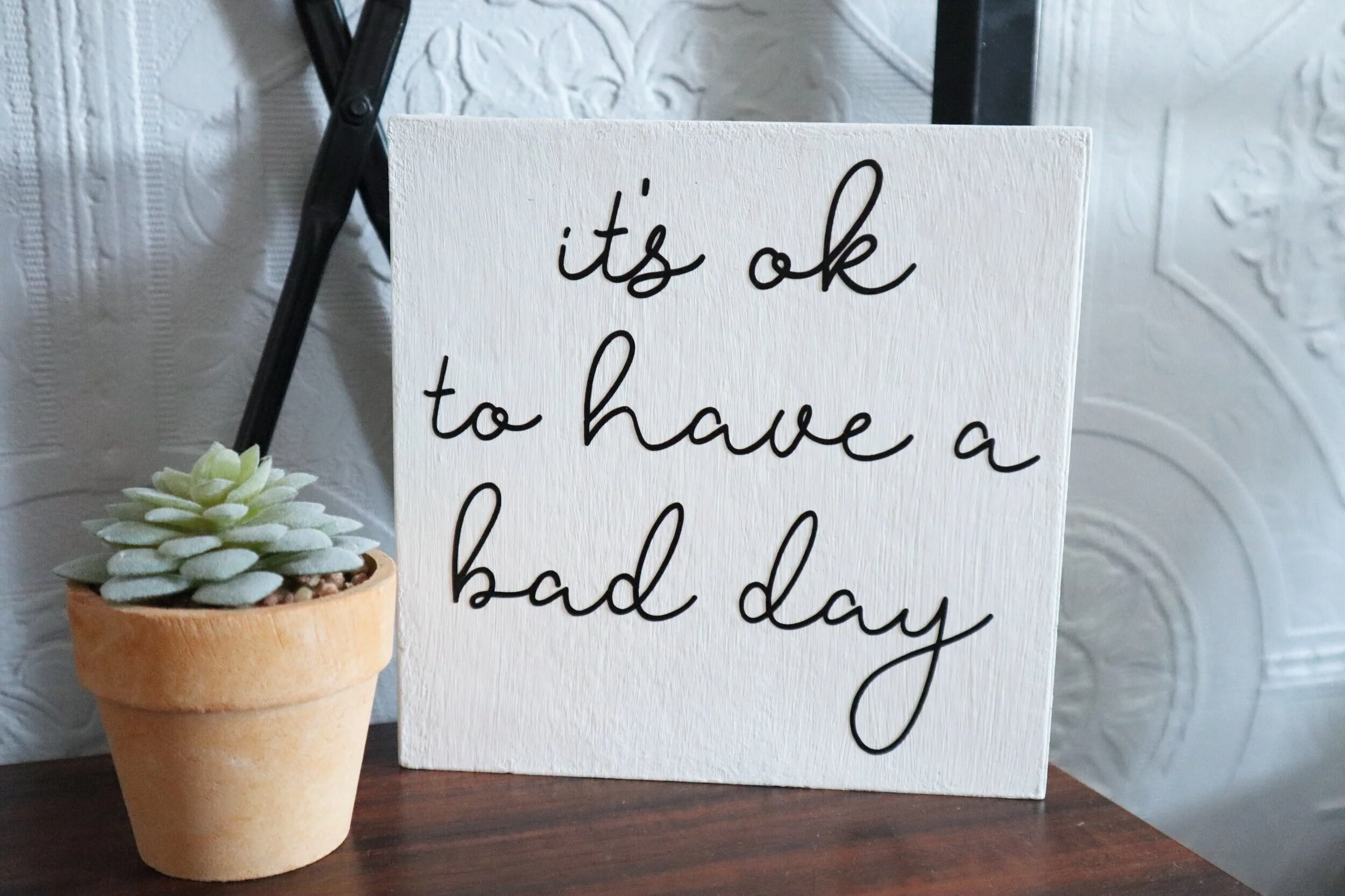
Total transparency here… AFTER I wrote this post (meaning I had already finished the sign, took all the pictures, uploaded everything, pushed publish on the post and posted it to social media) I realized a big UH OH moment! I had added the word to too many times to the “it’s ok to have a bad day” quote. HUGE facepalm to myself. But I have since fixed my error, and honestly though how fitting of a mistake for this project. It really is ok to have a bad day ;)!
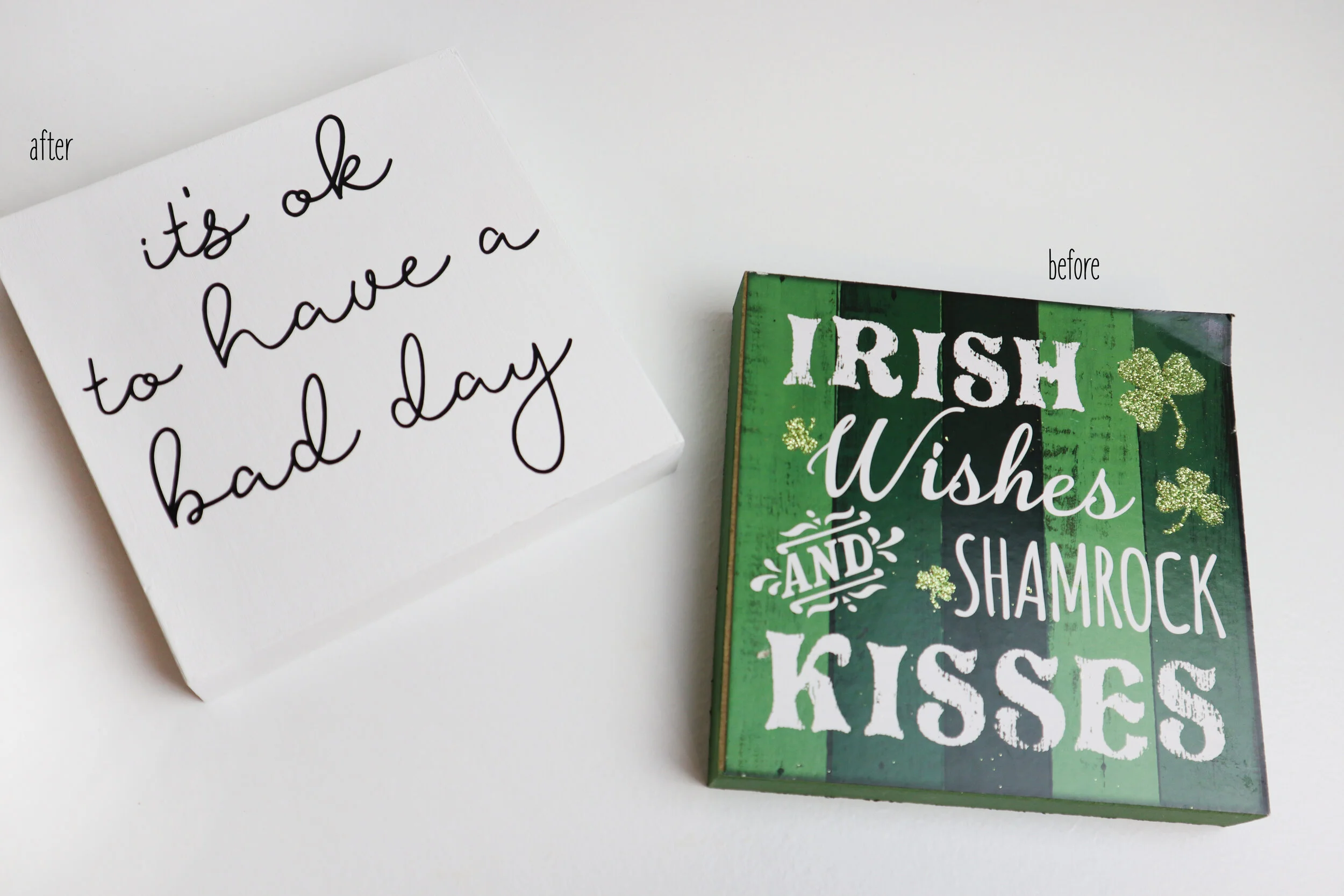
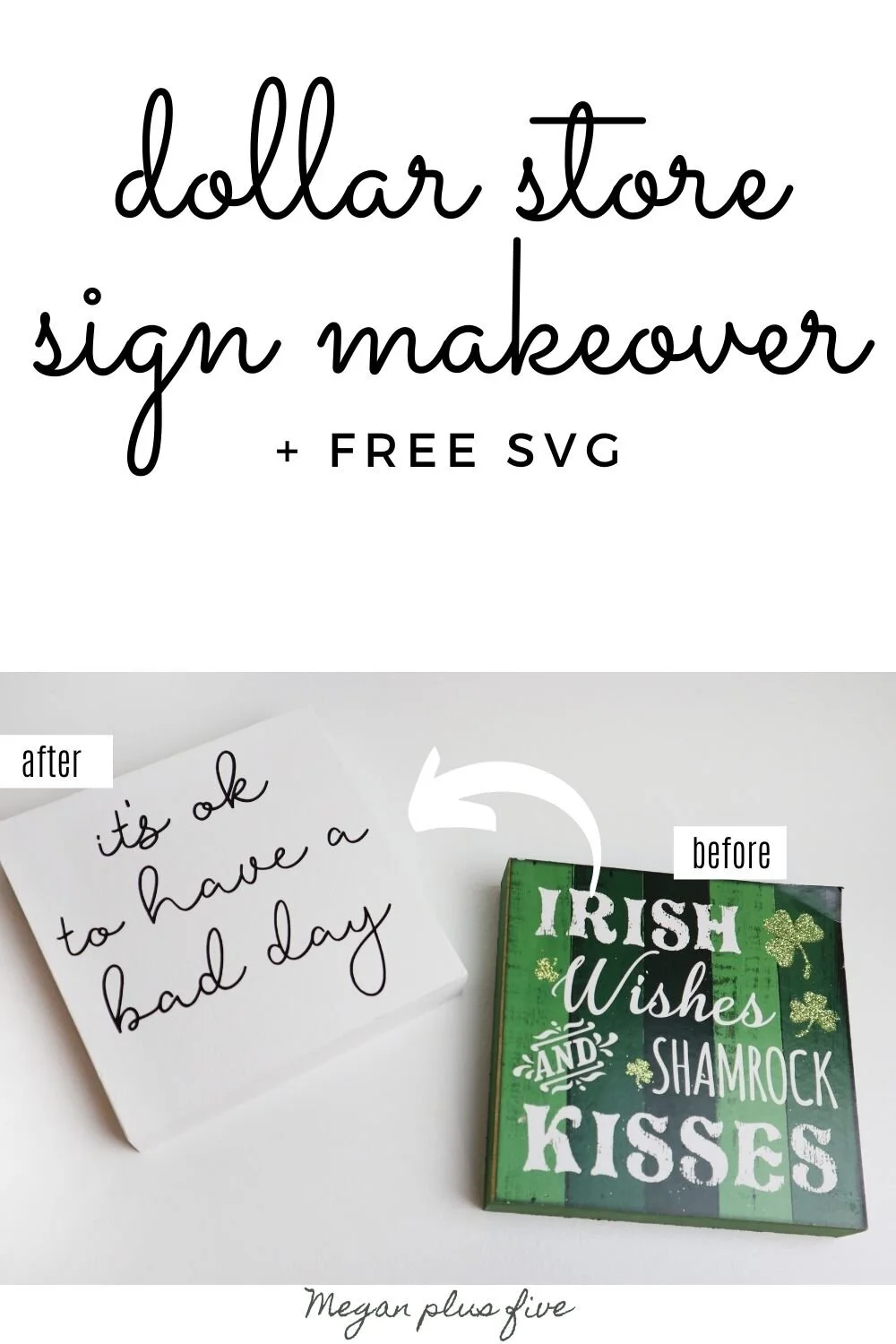
Since I’m a frugal kind of momma I extra love how affordable this sign was to make. While I love using my power tools I didn’t use any to make this sign. I actually bought an already made sign from the Dollar Tree and gave that a little makeover. I spent less than $2 to make this small free standing sign using my Cricut and I want to show you how you can make your own without power tools too.

DIY FREE STANDING SIGN + FREE SVG
See the picture below…I wasn’t going to completely retake every single photo so you see my mistake, it’s ok to to have a bad day lol!!

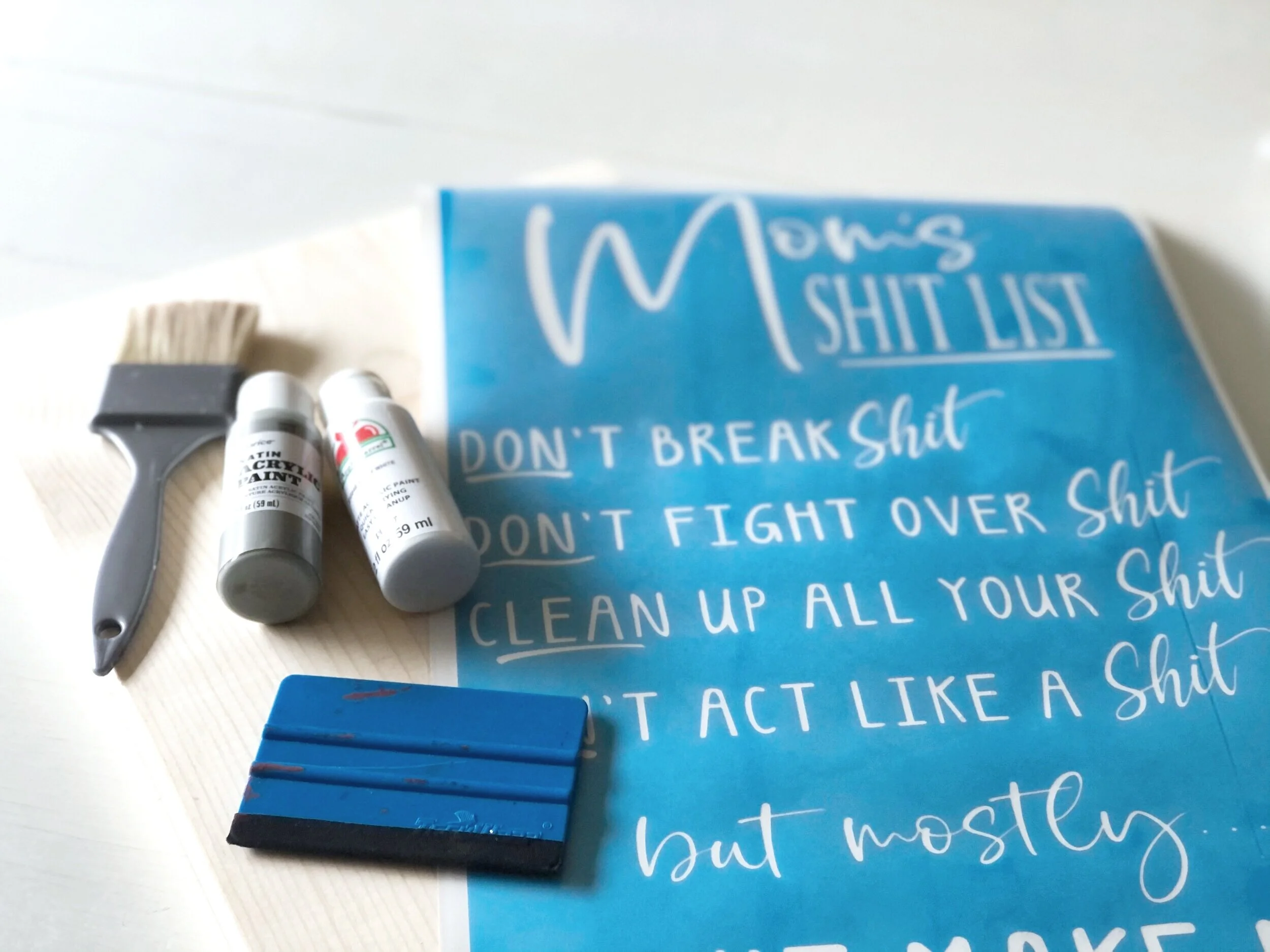
Here’s what I used
black matte finish vinyl (I used StarCraft bc it’s what I had on hand but I would recommend Oracal 651 instead)
1. CUT & WEED THE DECAL
I used my Cricut to cut out my vinyl decal. I used StarCraft vinyl in matte black but honestly it’s not my favorite. I highly recommend ORACAL 651 (or 631 if you have it since this project is for indoor use). I bought the StarCraft thinking I would love it as much as 651 but sadly I don’t.
2. SAND
A drop cloth is a must for this if you don’t want glitter everywhere. I usually always lay down a drop cloth when I crafting. It doesn’t make for a super gorgeous backdrop for my tutorials BUT it keeps my surface clean AND I can throw it in the washer when I’m done.
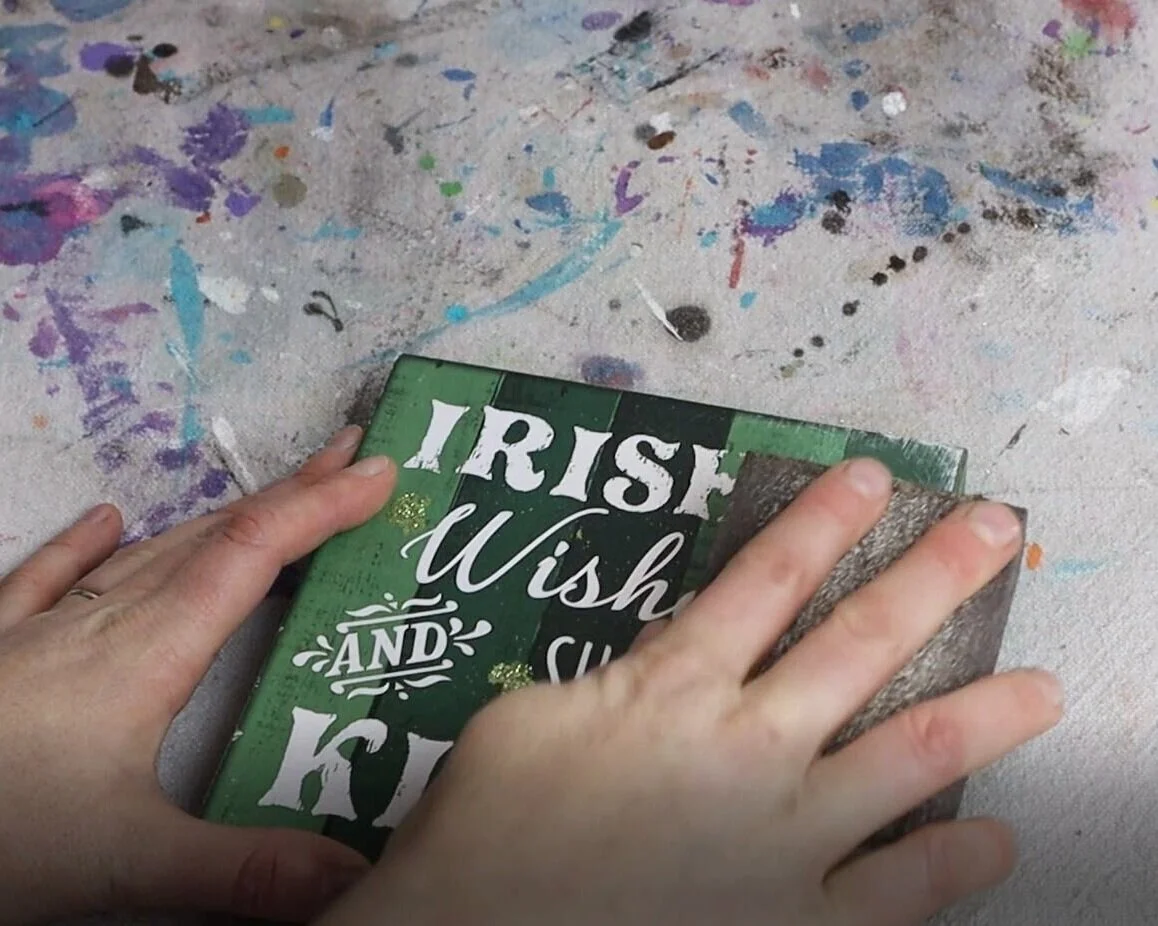
I used a sanding sponge to remove all of the glitter from the Dollar Tree sign first. This surprisingly comes off easily. Then I wiped it down with a paper towel to get all to the sanded stuff off of my sign.
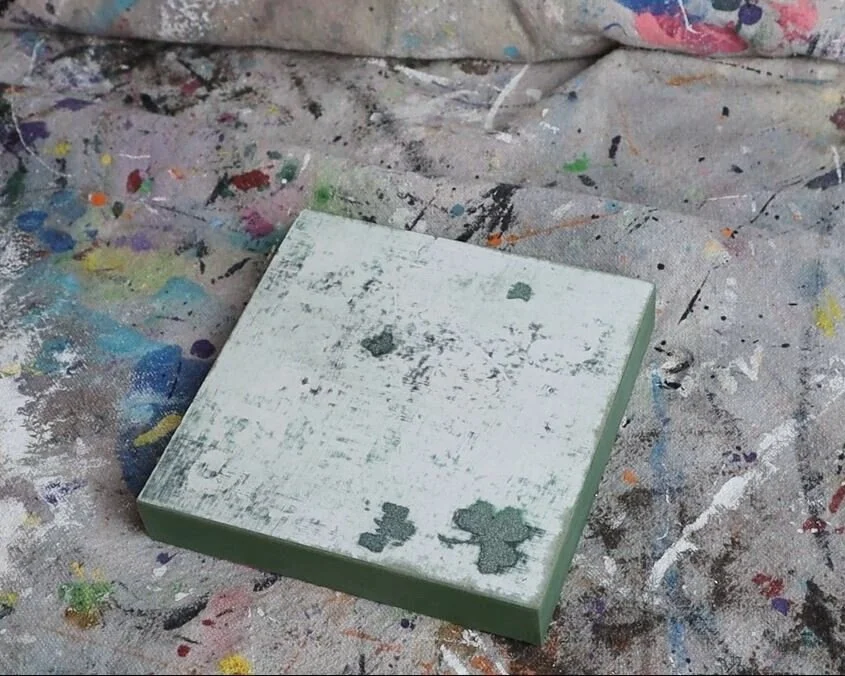
This is what my sign looked like once I sanded it down. I could have sanded more but this much was good enough:)! You mainly want to get all of the glitter off because paint won’t cover over glitter smoothly.
3. PAINT
Then I painted my little sign. This took quite a few coats, 3 actually. I did thin layers so that they would dry smooth and fast. Acrylic paint is what I used but if you want better coverage with less coats chalk paint is a great option too. Be sure to let your paint dry fully between coats.
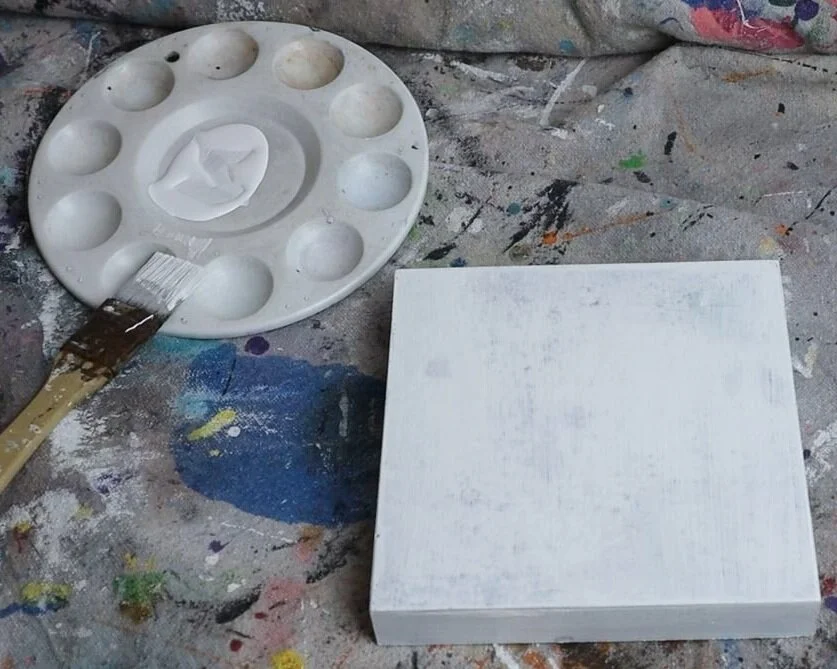
Here’s what my sign base looked like after the first coat of white acrylic paint.
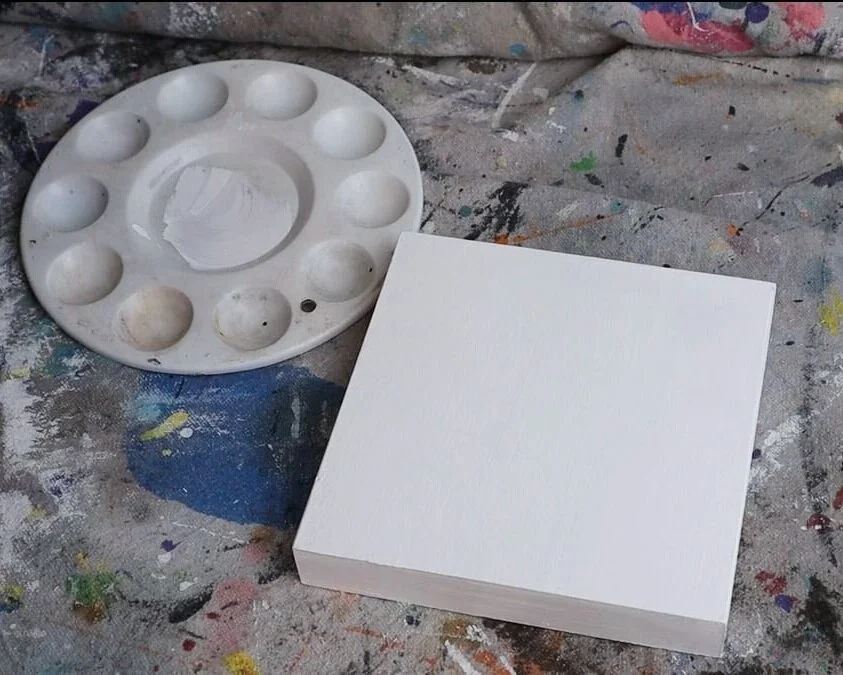
And this is what it looked like after I painted the 3rd coat of white acrylic paint.
4. APPLY THE DECAL
I let my sign base dry overnight before applying my vinyl decal. You just want to be sure your sign is completely dry, vinyl will NOT stick to wet paint. It will peel up and the paint will be stuck to the backside of the vinyl and it will be a mess to fix…trust me I’ve been there and it’s not fun.
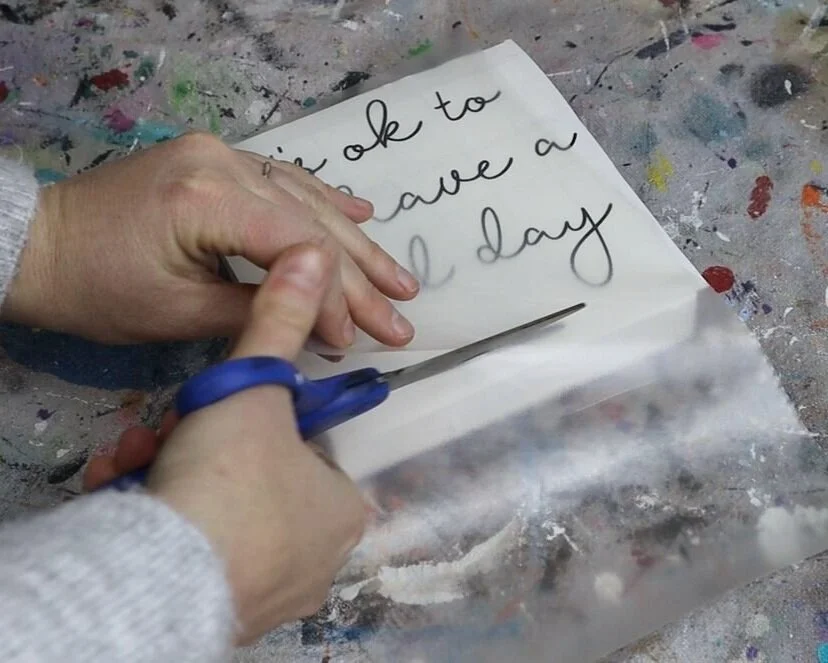
I used my favorite clear transfer tape to apply my decal on to my dollar store base.
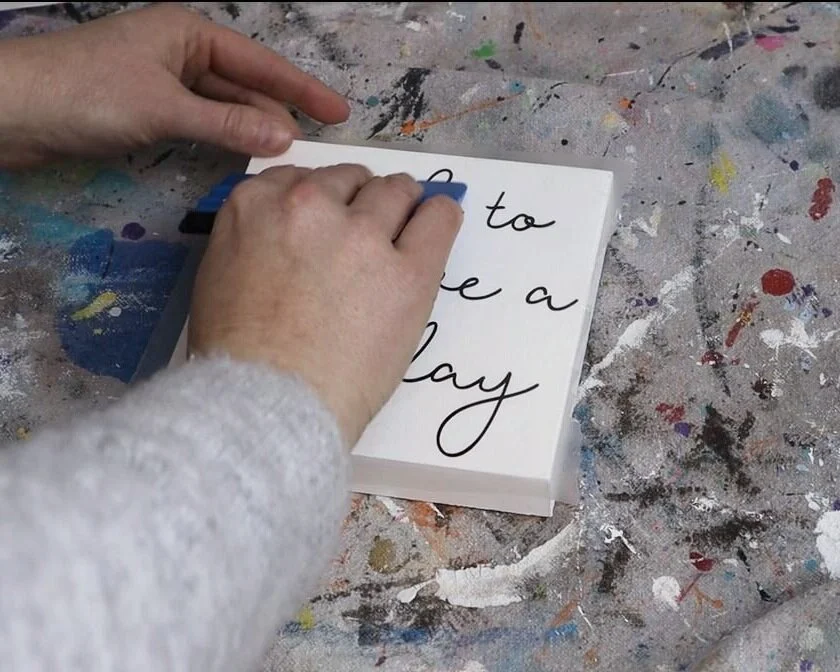
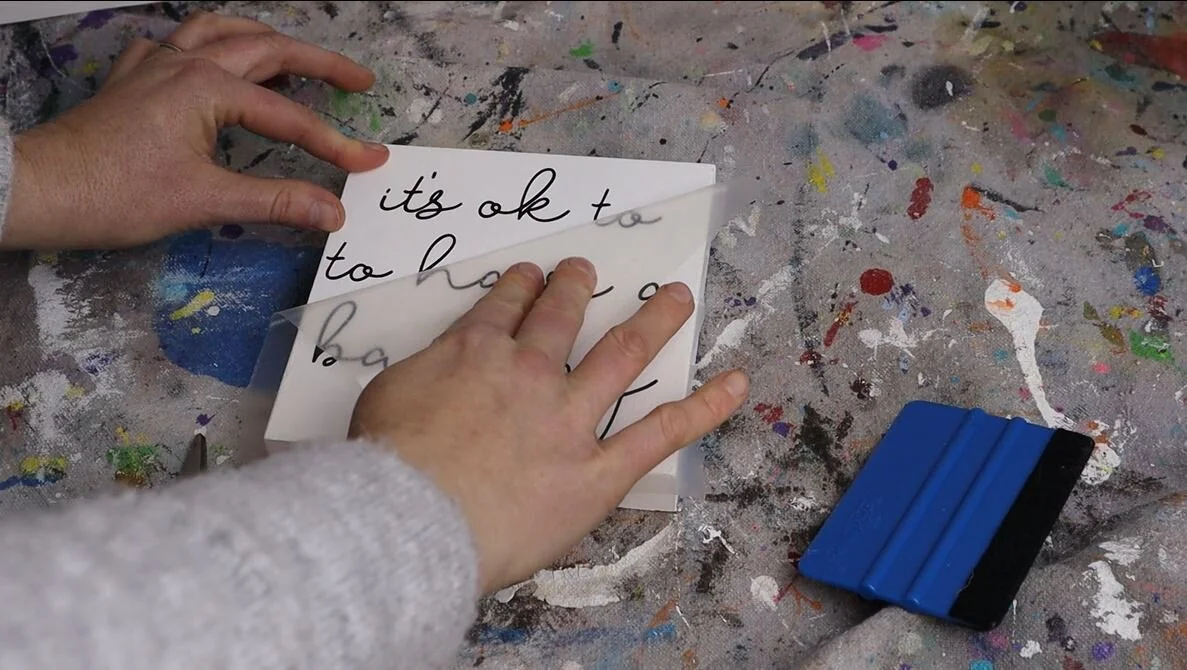
After I was happy with the placement I pressed it down using my trusty blue vinyl squeegee then slowly rolled the transfer tape off of my decal. Be sure when you do this to go VERY SLOW. It’s really easy to go too fast and rip your vinyl. A vinyl squeegee isn’t a must but it does make the job easier. If you don’t have one you an use a library or rewards card.
Then found the perfect spot for it on this industrial ladder tiered shelf I scored off of Amazon. BTW this one is SUPER easy to put together if you’re looking for an easy to assemble tiered shelf. I have bought some DIY shelfs before that were total nightmares…this one was a dream to assemble!
I hope you enjoyed this DIY craft tutorial. If you have any questions please let me know in the comments below. Happy Crafting!
Check out more Cricut craft projects below